
 Deutsch
 Español
 Français
1By the decorated tree
The most predictable setup – and for that reason the one that ends up in the album most often. Make sure the tree is not directly behind the head, or branches appear to grow out of it.

30 festive setups sorted by age, what makes a good source photo, and which poses have no place at home.
AdoBabyAI is an AI-powered baby photo studio that transforms simple phone photos into professional studio-quality images. Our technology uses artificial intelligence to create realistic newborn photoshoots, milestone memories, and themed baby pictures (e.g. Christmas, Easter) – without stress, without a photographer, and at a fraction of the cost.
Every setup on this page was made with AdoBabyAI and shows what becomes of a single phone photo. Sorted by the age at which each one is easiest to pull off.
Many well-known newborn poses are made in a studio with two people and put together afterwards. Recreated at home they are dangerous. For the source photo that means:
The elaborate scenes are added digitally afterwards. The actual photo may – and should – be plain.
Setups that work every year – and where little can go wrong.
The most predictable setup – and for that reason the one that ends up in the album most often. Make sure the tree is not directly behind the head, or branches appear to grow out of it.

Red dominates the frame. If your baby has fair skin it can look washed out, which a warm rather than cool overall tone balances out.

Firelight from the side gives soft shadows. At home a window as a side light source is enough – the fireplace scene is added later anyway.
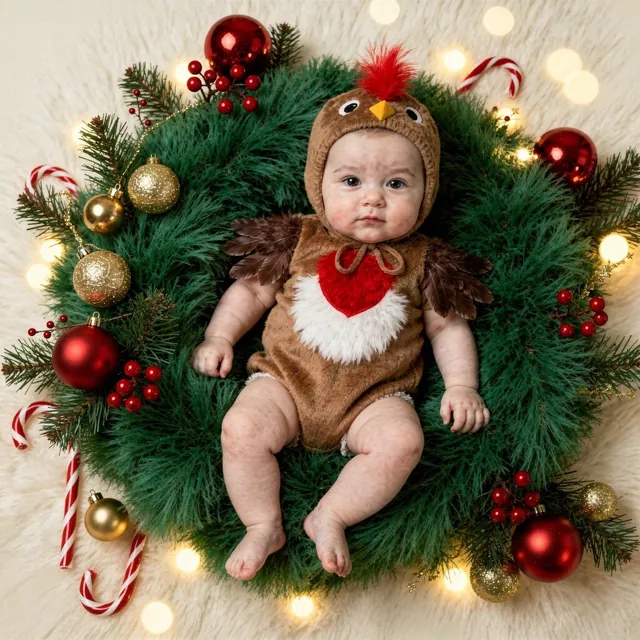
Works best shot from above. Keep the source photo flat and centred so the face is not distorted.

Out-of-focus points of light are why this setup gets shared so often. For your own photo: the further the lights are from the baby, the softer they render.

A calm setup for the evening. Dark scenes need a clean, well-exposed source photo – brightening afterwards always costs detail.
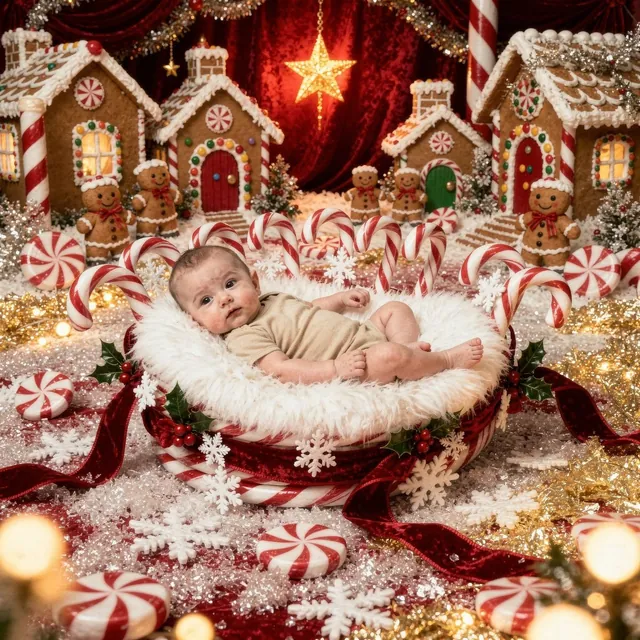
Red and white stripes pull the eye. Keep the clothing plain, or two patterns compete with each other.
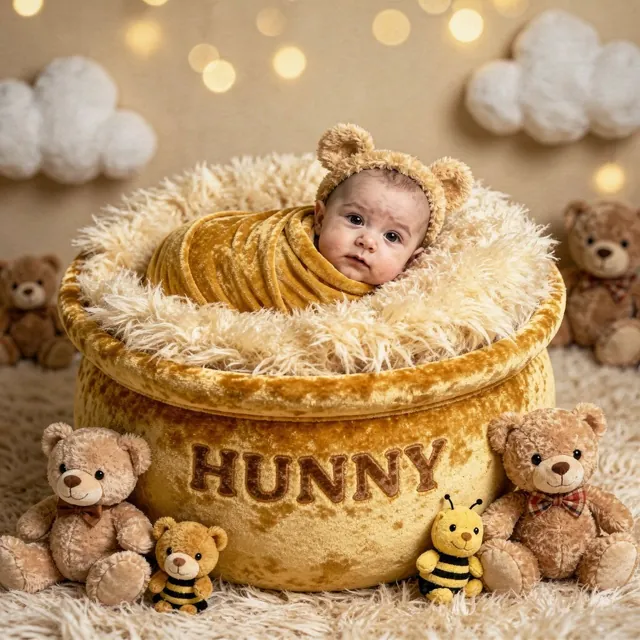
A soft toy gives a sense of scale – without a reference object newborns often look bigger in photos than they are.
Sleeping setups, calm poses, plenty of blanket. These work best in the first two to three weeks, while babies still sleep deeply and long.

The curled-up cocoon matches the position newborns take naturally. Force nothing – if the baby prefers arms up, that is the better picture.

A popular setup that people recreate by actually placing babies inside containers. That is unnecessary – the source photo can be taken flat on a blanket.
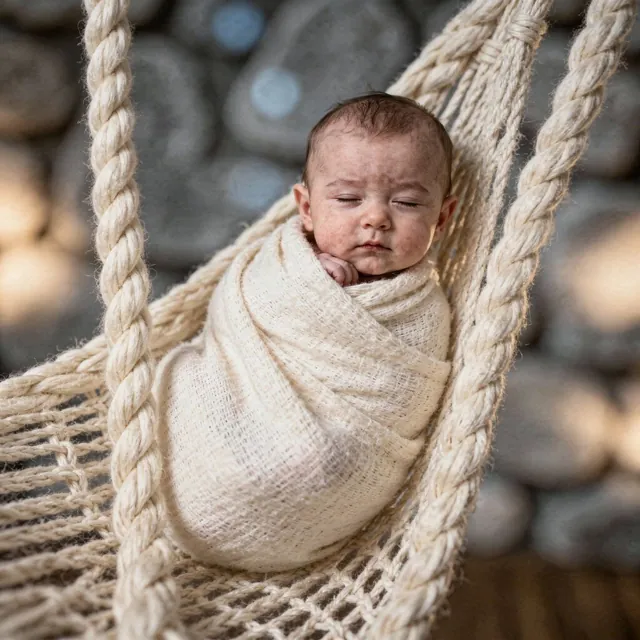
Coarse knit textures read warmer in photos than smooth fabrics. A plain cloth under the baby is all you need to start.

A setup that needs no props. All that matters is that the face stays clear and nothing falls across mouth or nose.

Warm browns sit well with almost any skin tone – a safe pick if you are unsure which look suits.
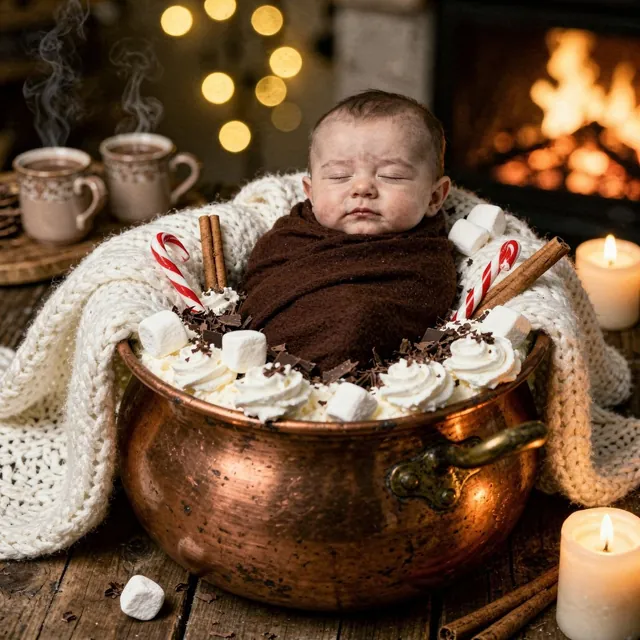
Cosy indoor scenes do not need daylight in the source photo, but they do need even light. Ceiling lamp off, window light on.

Shiny baubles reflect – that looks good in the finished image, but avoid flash in the source photo or you get hard highlights.

Hooded outfits quickly cover the forehead. Make sure the eye area stays visible in the source photo.

The calm counterpart to setup number one – and far more realistic for the first few weeks.
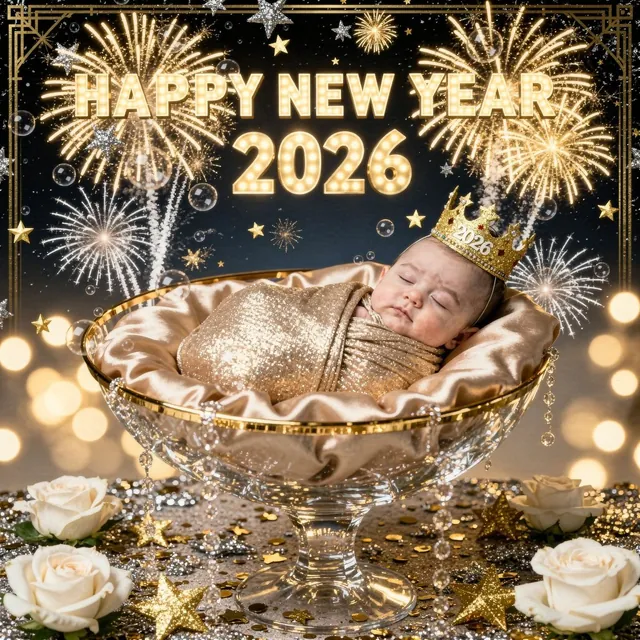
For babies born between the years: a picture that records the birth year without anyone having to stay awake.
From now on babies hold their head up, look at the camera and react. That opens up setups that do not work with newborns.

Awake babies look wherever something rustles. If someone stands right next to the camera, the gaze lands in the right place.
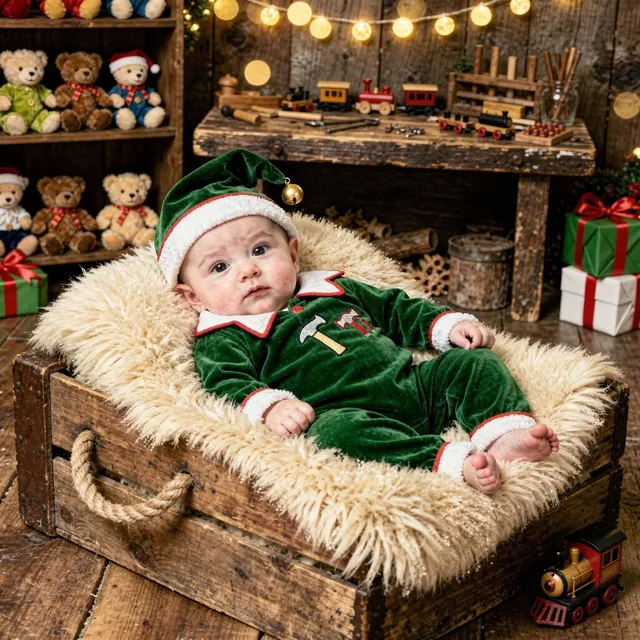
Busy backgrounds need a sharp face as a counterweight. Hold the source photo steady – ten attempts beat one with motion blur.

Flour, dough and baking trays add a lot of texture. A plain light bodysuit works better here than a patterned top.
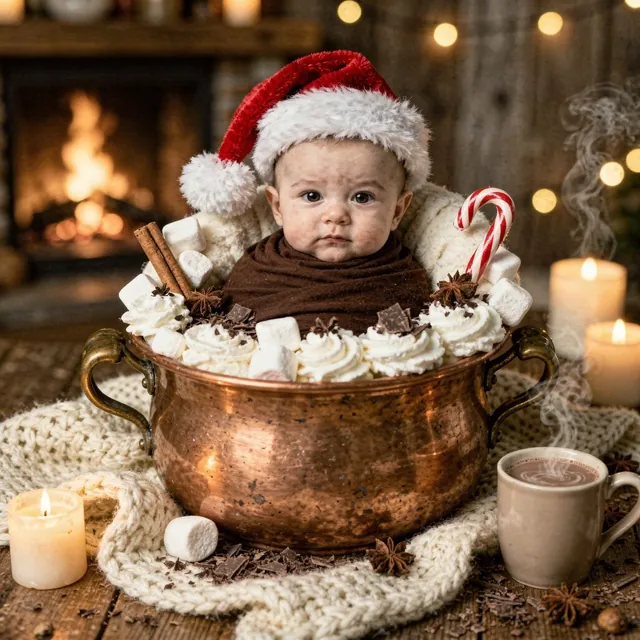
Warm light from the front at an angle makes baby skin look healthy. Direct backlight, by contrast, eats the contours.
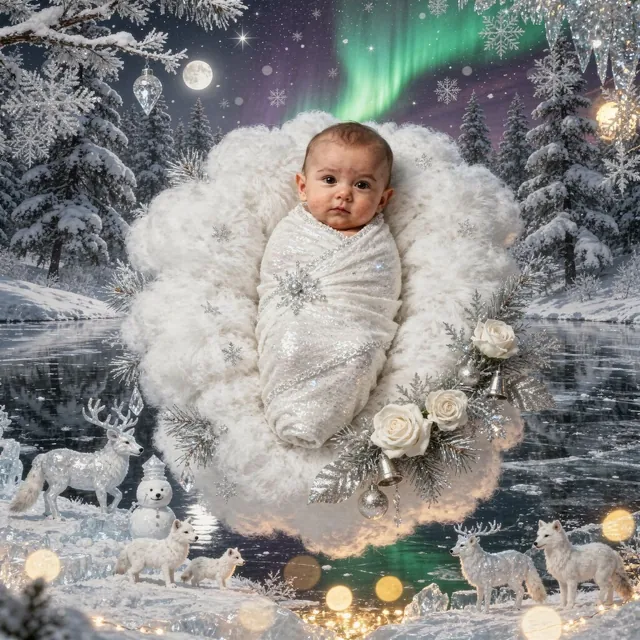
Snow scenes without the actual cold. Outdoors the rule stands anyway: babies under six months should not spend more than a few minutes in freezing weather.
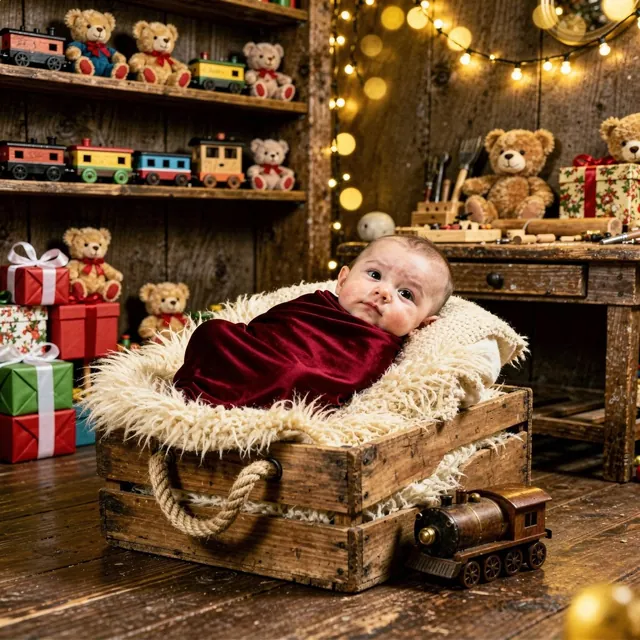
The cocoon still works with awake babies as long as they are not yet rolling. After that it gets restless – then pick a setup without a wrap.
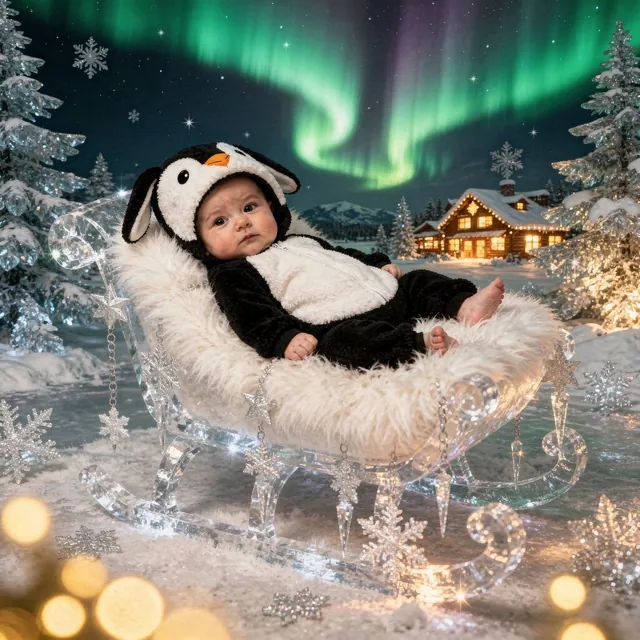
Cold blue tones against a red outfit make a strong contrast. If that is too much, pick a setup with a warm background.

Dark setups with open eyes stand out because the eyes are the brightest element in the frame.
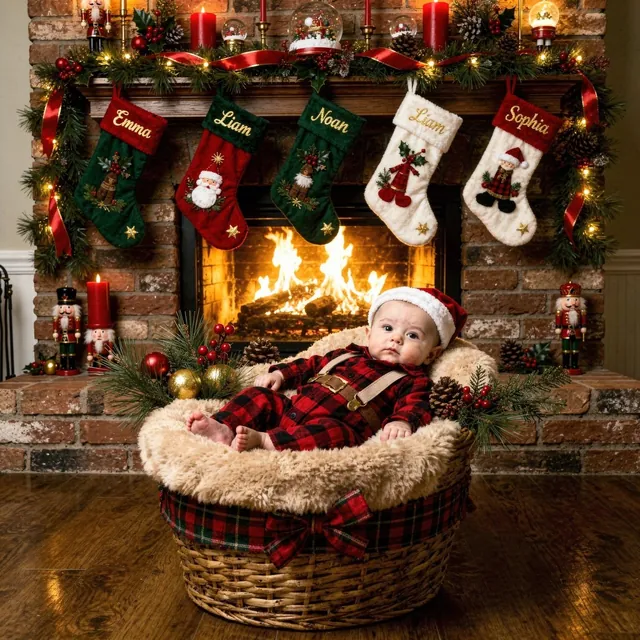
Outfit plus fireplace is deliberately bold – well suited to Christmas cards, less so to a restrained album.
Setups that are not tied to 24 December and work for cards, calendars and year-in-review posts.
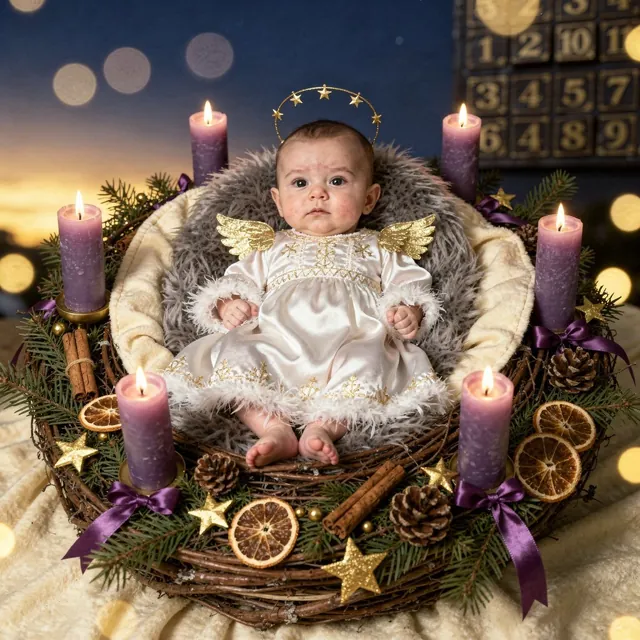
If you want to send cards, be finished by early December. The setups themselves work throughout advent.
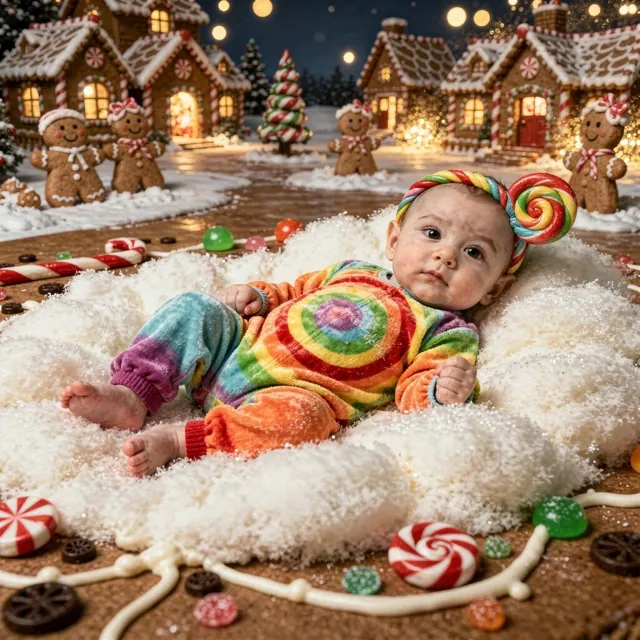
A setup children recognise later on – unlike abstract studio backdrops.

For the first turn-of-the-year picture. Practical because it still sends well in January without looking dated.
If you want family pictures with several people, if a studio's experience in settling and positioning a baby matters to you, or if you are planning large prints that need maximum resolution – then there is no way around booking a photographer. This page does not replace that. It is for the setups no studio buys props for, and for the weeks when an appointment with a newborn is hard to plan.
No subscription - buy credits and use them whenever you want. Credits never expire.





No waiting for appointments or editing. Your shoot is ready in 1-2 minutes.
Privacy-first. Your original photos are only stored briefly for processing.
Our fairness promise: We refund credits for technical errors - as long as your original image has solid base quality (a normal phone photo is perfectly fine!). You only pay for quality.
Upload a simple phone photo of your baby. Make sure there's good lighting.
Choose from 20+ professional themes with over 200 variants: flower basket, cozy blanket, fairy tale, and more.
Our AI lights, retouches, and rearranges the photo. Ready to print!
From Parents for Parents – How AdoBabyAI was born

In 2025, our first baby was born – and thus began the most beautiful but also the hectic time of our lives.
"We'll do it next week" turned into "Someday"...
Like all parents, we wanted professional photos, but between changing diapers, lack of sleep, and the completely normal everyday madness, we simply found no time for a studio shoot.
"Baby photos are sacred. That's why we built AdoBabyAI as secure as we wanted it for our own child."
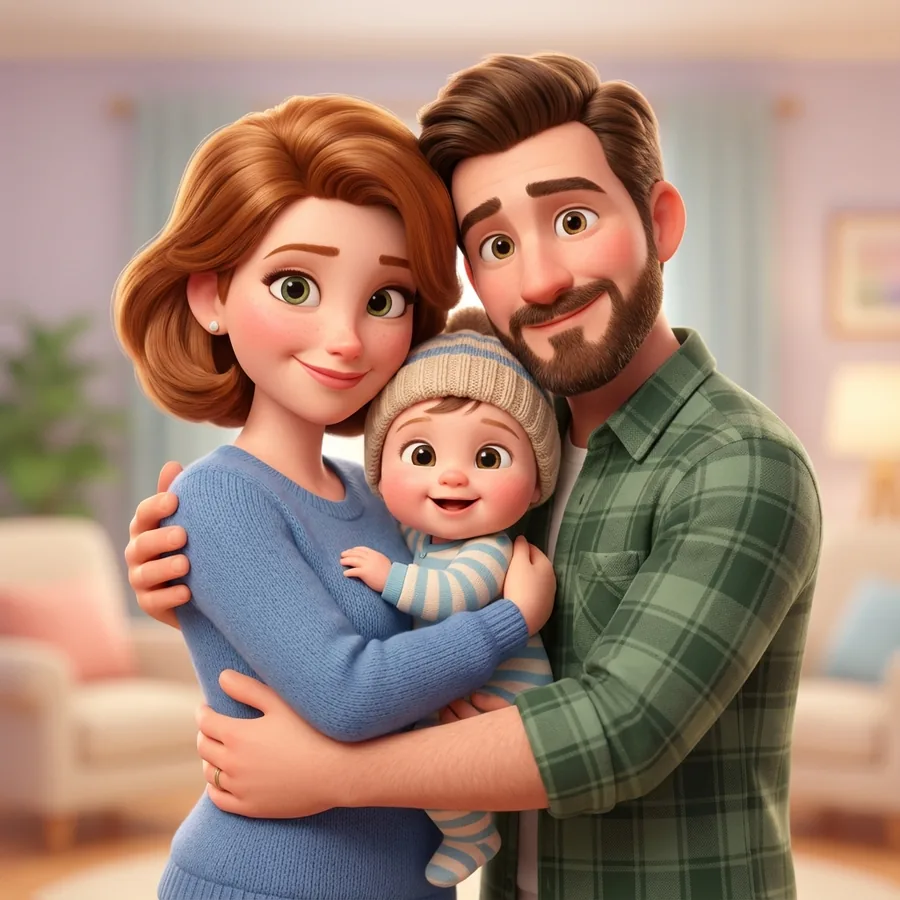
We built AdoBabyAI from the ground up to be privacy-compliant and secure. No anonymous servers, no training with your images.
Today, AdoBabyAI stands for exactly that: professional baby photos without stress, without appointments – processed in the EU, with your original deleted afterwards.
– The AdoBabyAI Founding Family
Yes, absolutely! Your original photos are only stored temporarily for processing and are automatically deleted afterwards. We use SSL encryption and your data is never used for AI training. Through our Hybrid Regional Routing, we ensure that your data is processed preferentially in your region (e.g., EU Data Zone). More in our Privacy Policy.
We use state-of-the-art Azure AI technology for realistic skin tones and textures. The result looks like a real studio photo, not like a comic. Check out our examples in the slider above!
We offer credit packages starting at $10.99 (2 images). The more credits you buy, the cheaper it gets per image – down to ~$3.14 with the Power User Pack. No subscription, no hidden costs. Much cheaper than a classic photo shoot (often $300+).
You buy a credit package once and can use the credits anytime – they never expire! 1 Credit = 1 AI Image. No monthly fees, no subscription stress. You only pay for what you really use.
We are a small family business and every feedback is read personally. If there are technical errors or problems, you will always find an open ear with us. Just write to us – we look at every case personally and find a fair solution together. Your satisfaction is close to our hearts!
Your photo is finished in 1-2 minutes and ready for download. No waiting for appointments, no weeks of processing like with a classic photographer.
Get professional memories for eternity now.